-
In Expert Editor, navigate to
activeguard/core/rule_sets/90_local/params/local.properties. -
Edit the file by inserting the following lines:
This parameter activates the Attachment Airlock feature. If, for any reason, you wish to deactivate this feature in the future, simply change the parameter from
ACTIVEtoDISABLED.
Password Compatability
Attachment Airlock expects passwords to be UTF-8 encoded. If a file is encrypted with a password containing special characters (e.g., ç, ü, ñ) using older tools or systems that use legacy encodings like CP437 or ISO-8859-1, unlocking may fail due to encoding mismatches.Using Attachment Airlock
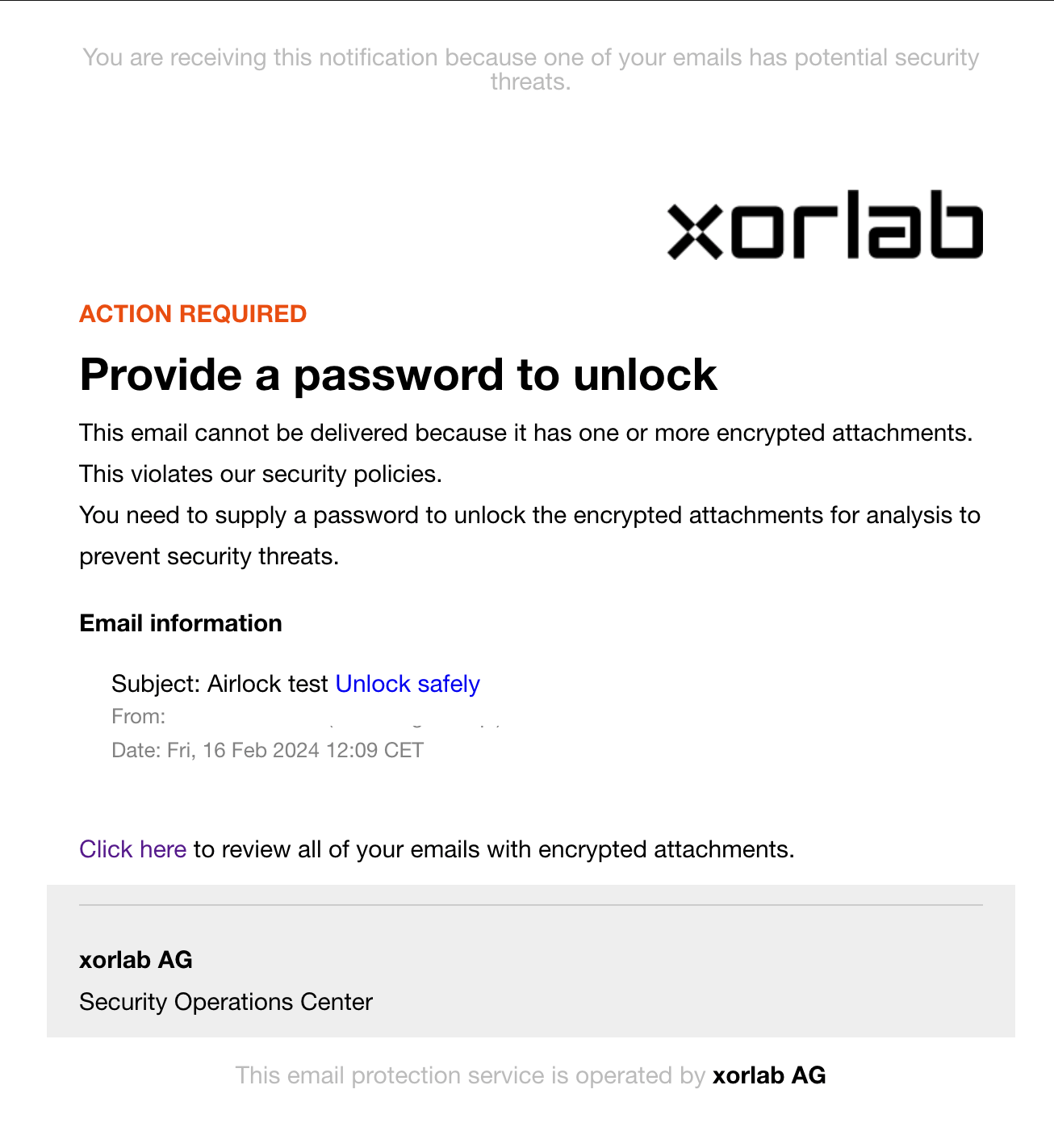
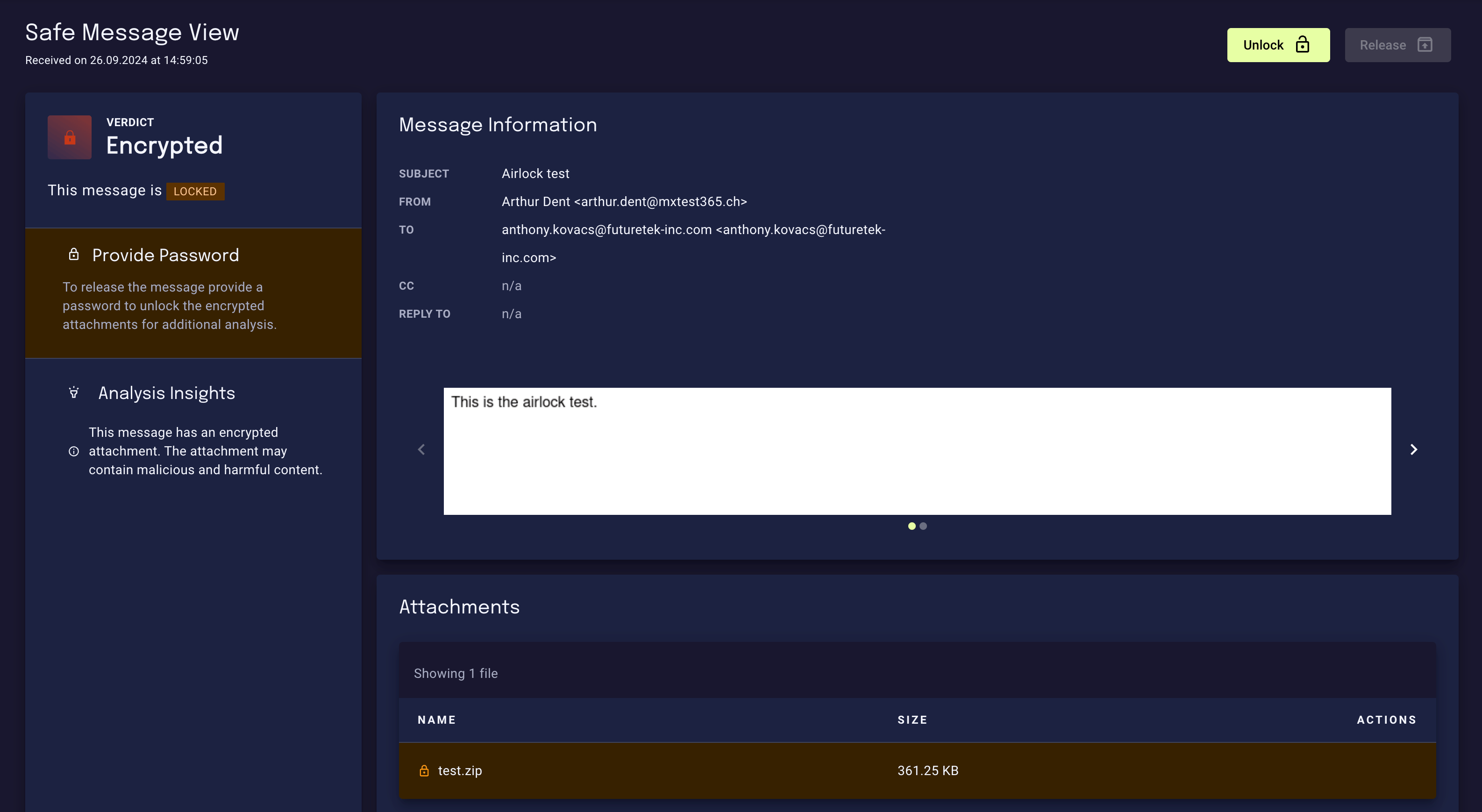
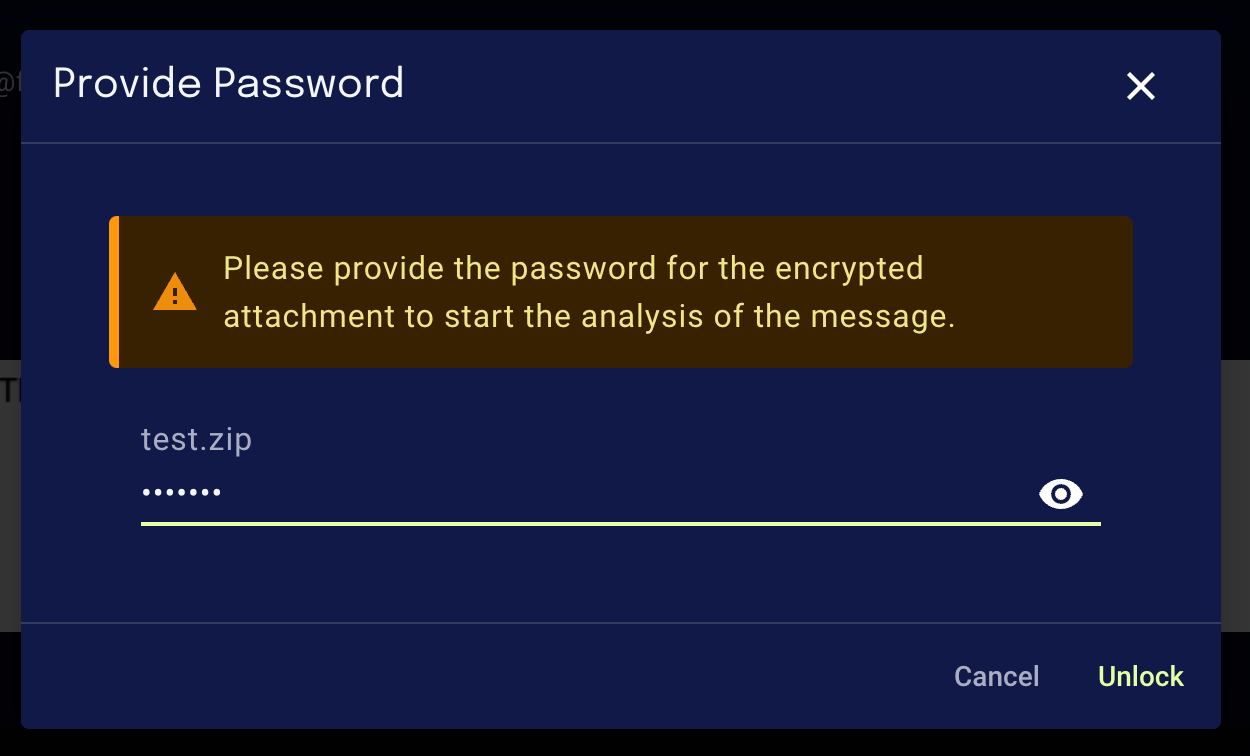
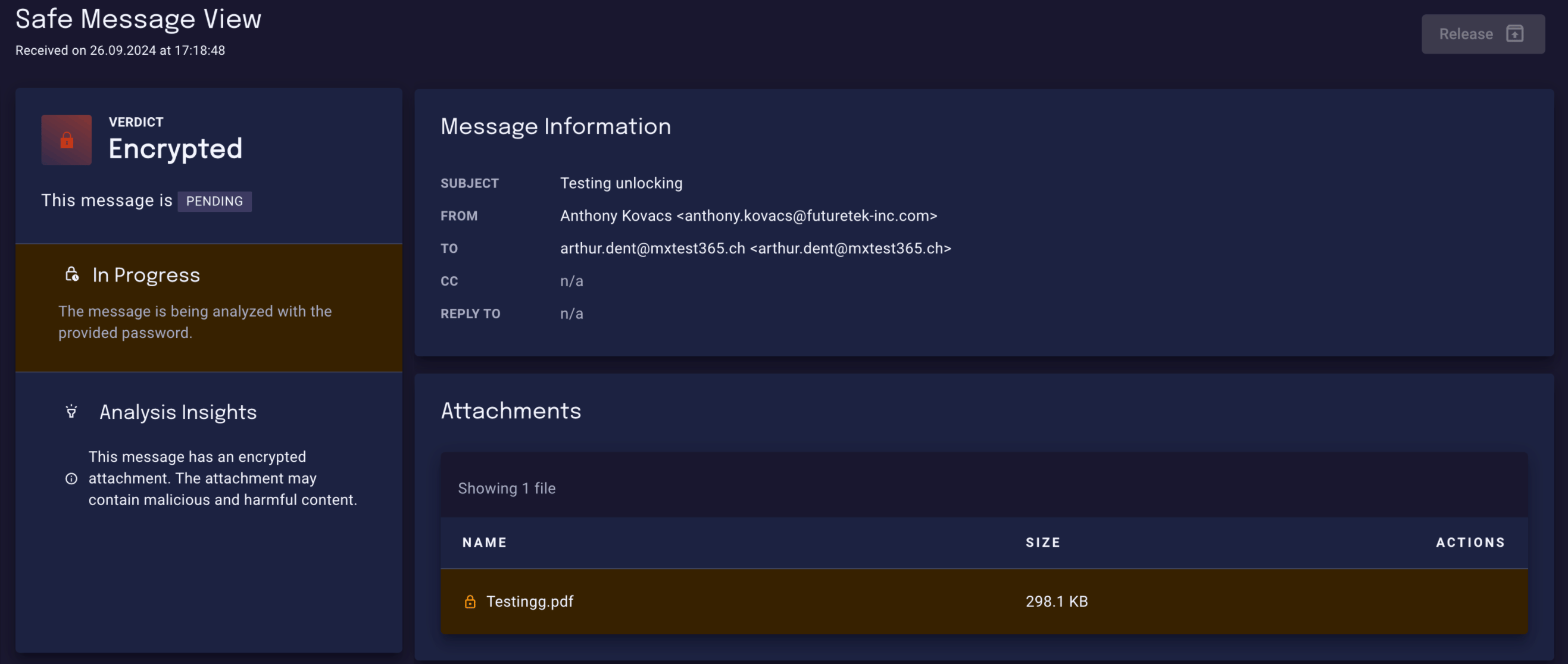
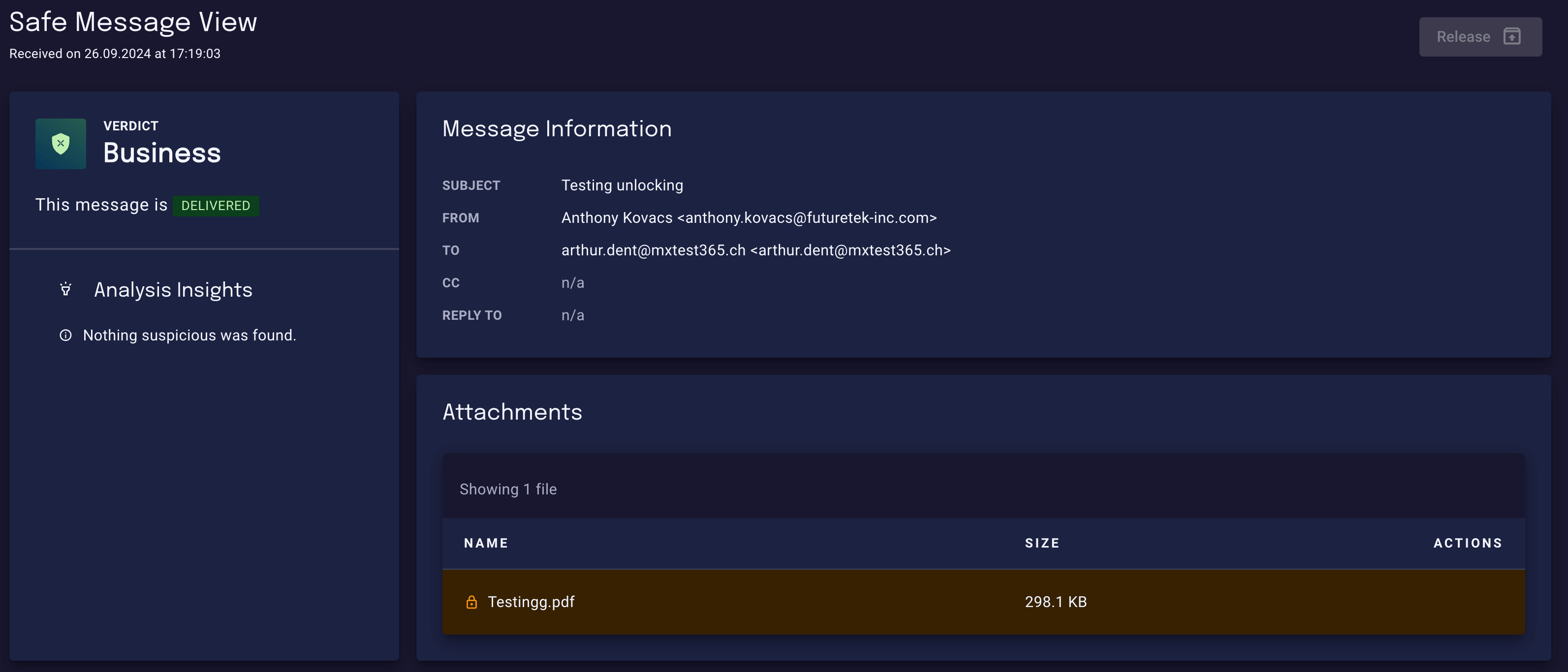
With Attachment Airlock enabled, users can unlock password-protected attachments in a secure environment and have them analyzed by xorlab. When an email with a password-protected attachment is sent to an XSP user, and the password protection can’t be automatically cracked by xorlab, the user receives the following notification email: