

-
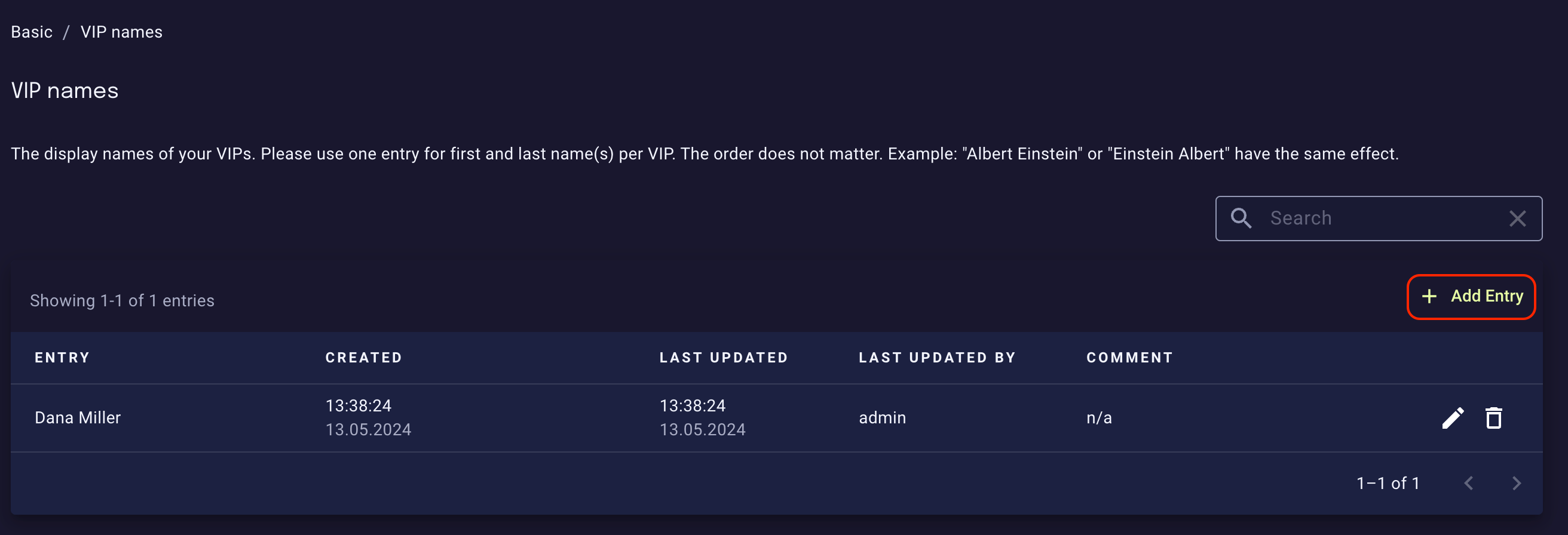
Register the first and last name of each of your VIP in the Basic / VIP names list by clicking the Add entry button below the search input box. This helps to identify Display Name Impersonation Attacks.
-
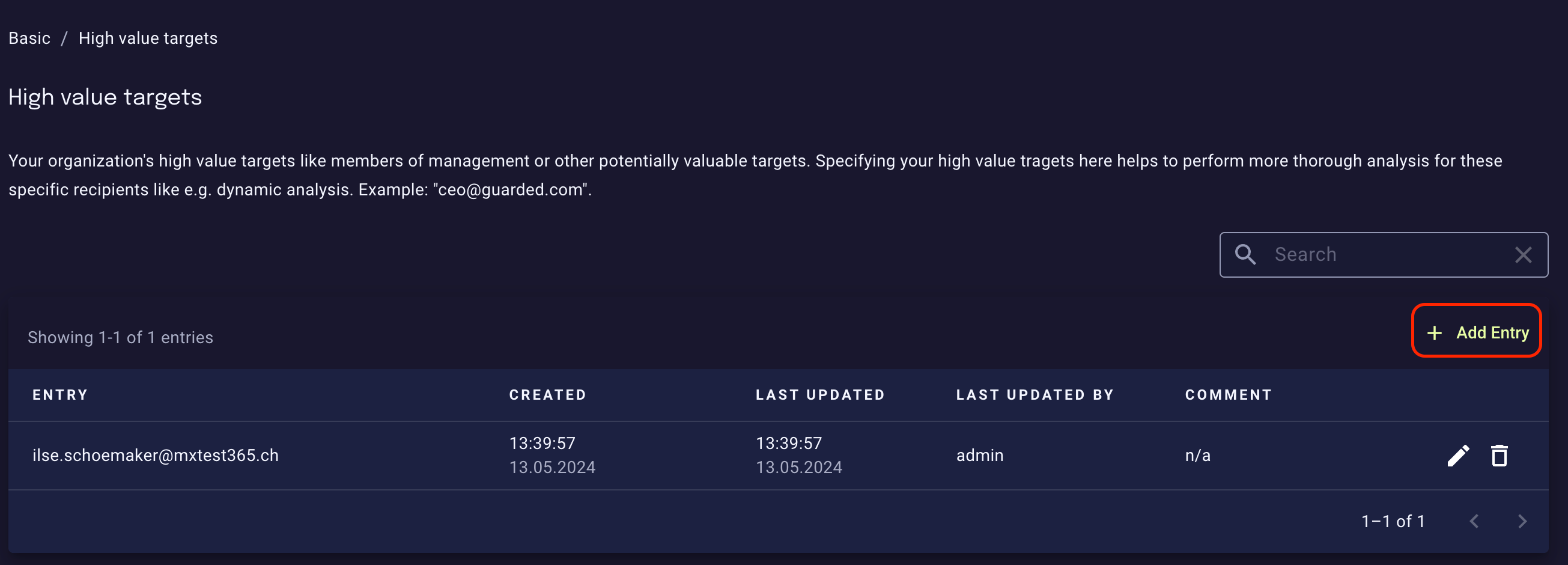
Make sure to add the corporate email addresses of your VIPs to the Basic / High value targets list the same way as with VIPs names. This allows the platform to perform more rigorous filtering while maintaining a risk-based, resource-efficient approach for the rest of your organization.
-
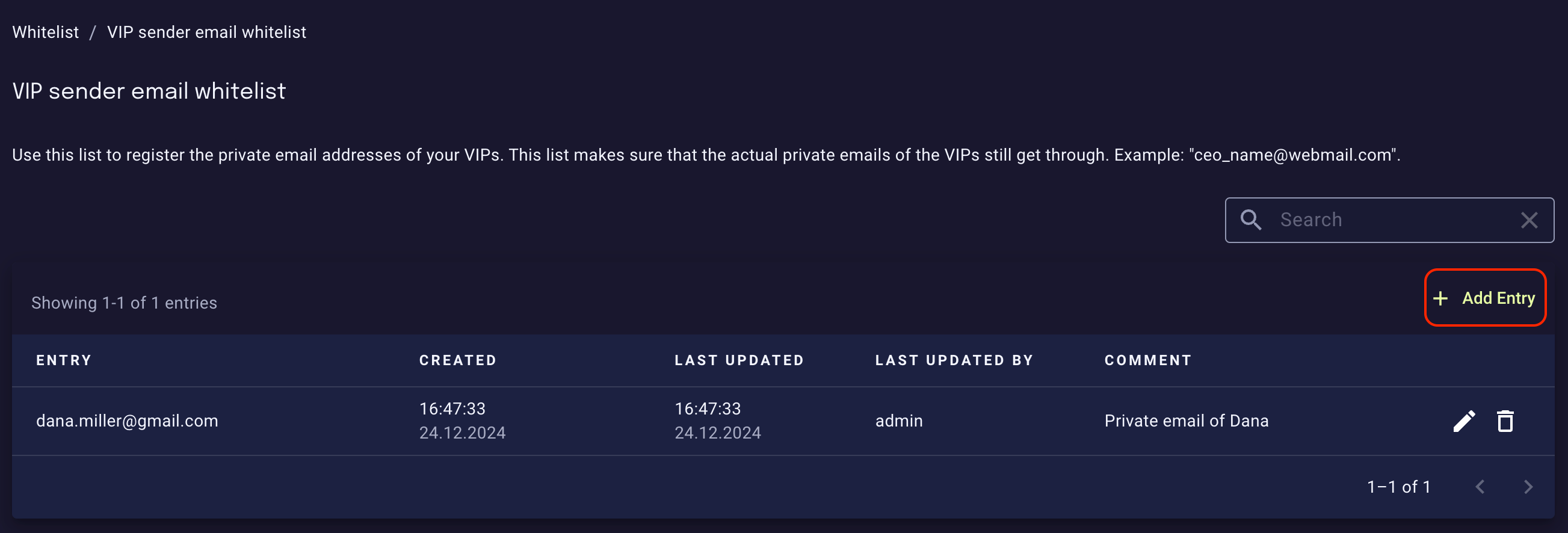
If your organization allows the use of private email accounts for basic information exchange, then make sure to whitelist private email addresses of registered VIPs in the Whitelist / VIP sender email whitelist:
Exposed accounts
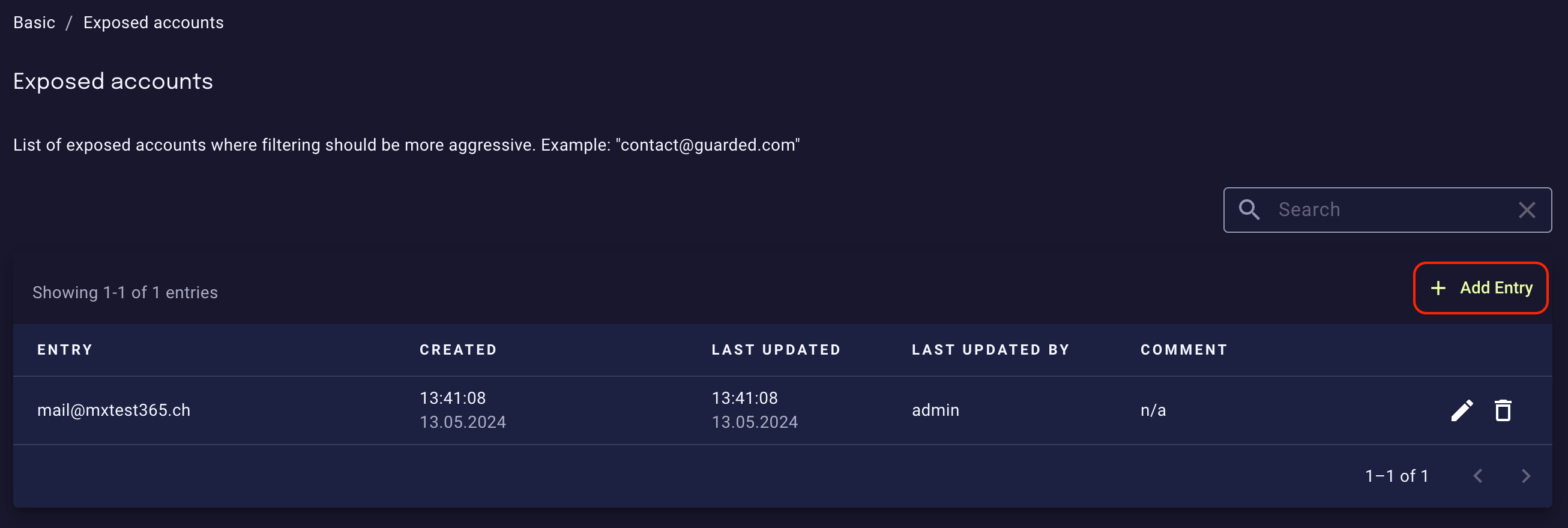
Some people inside your organization might be more affected by malicious email than others (for instance, because they receive emails sent tocontact@yourcompany.com or because their email is publicly available). To increase spam and phishing protection for them, register their email addresses in the Basic / Exposed accounts list:
Exposed public contacts
To this list, you can the add the email addresses of your organization that should be subject to less aggressive filtering. This will decrease spam and phishing protection for them, but can be useful for certain public mailboxes where you expect a lot of suspicious or malformed emails that should be let through. There is also a relatedregex list called Exposed public contacts (regex), which makes it handy to assign a group of addresses to be considered as exposed public contacts.