

- Deliver—email is benign.
- Deliver with a subject rewrite—email is suspicious.
- Deliver with one or more attachments removed—email has suspicious attachments.
- Quarantine—email is malicious and will be kept in quarantine. An optional quarantine notification can be sent to the recipients.
- Drop—email is highly malicious and will be dropped.
- Bounce—email is dropped, not delivered to the recipients, and a bounce message is sent to the sender.
guarded_tenants.yml configuration file (see step #5 in Basic settings).
Here’s how the categorization works:
- Incoming: The domain of the recipient is a guarded, but the domain of the sender is not.
- Outgoing: The domain of the sender is a guarded, but the domain of the recipient is not.
- Internal: The domain of the sender and recipient are both guarded.
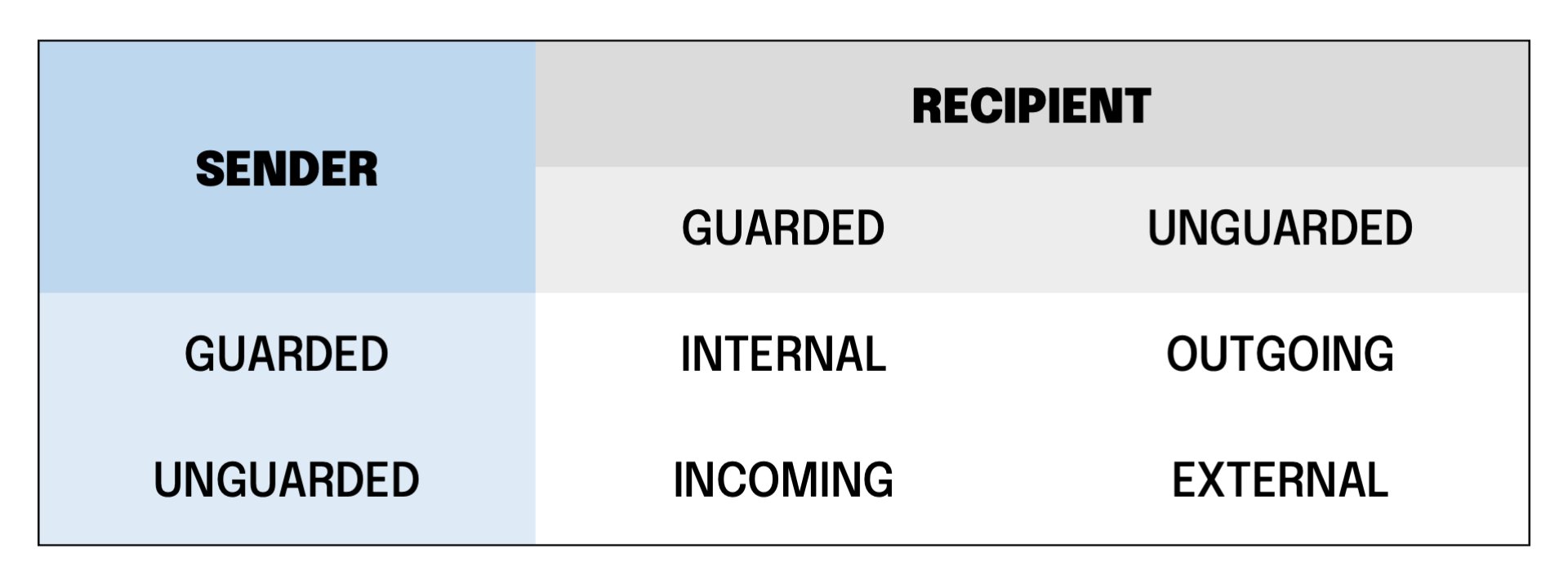
from information is often lost, and the envelope rcpt is always lost. Therefore, xorlab Security Platform can’t find the reliable sender/recipient information in the mail envelope data (if you want to know how XSP retrieves this info, please read Inline and Monitoring Mode), so it uses the bccFallbackDomain parameter you set along with the domains of guarded tenants in step #5 in Basic settings.
Verdict and confidence
Every email is classified into a final verdict with corresponding confidence. The confidence denotes the certainty of the classification and can be eitherhigh, medium, or low.
ActionsThe final action for an email is decided based on the verdict and its confidence.
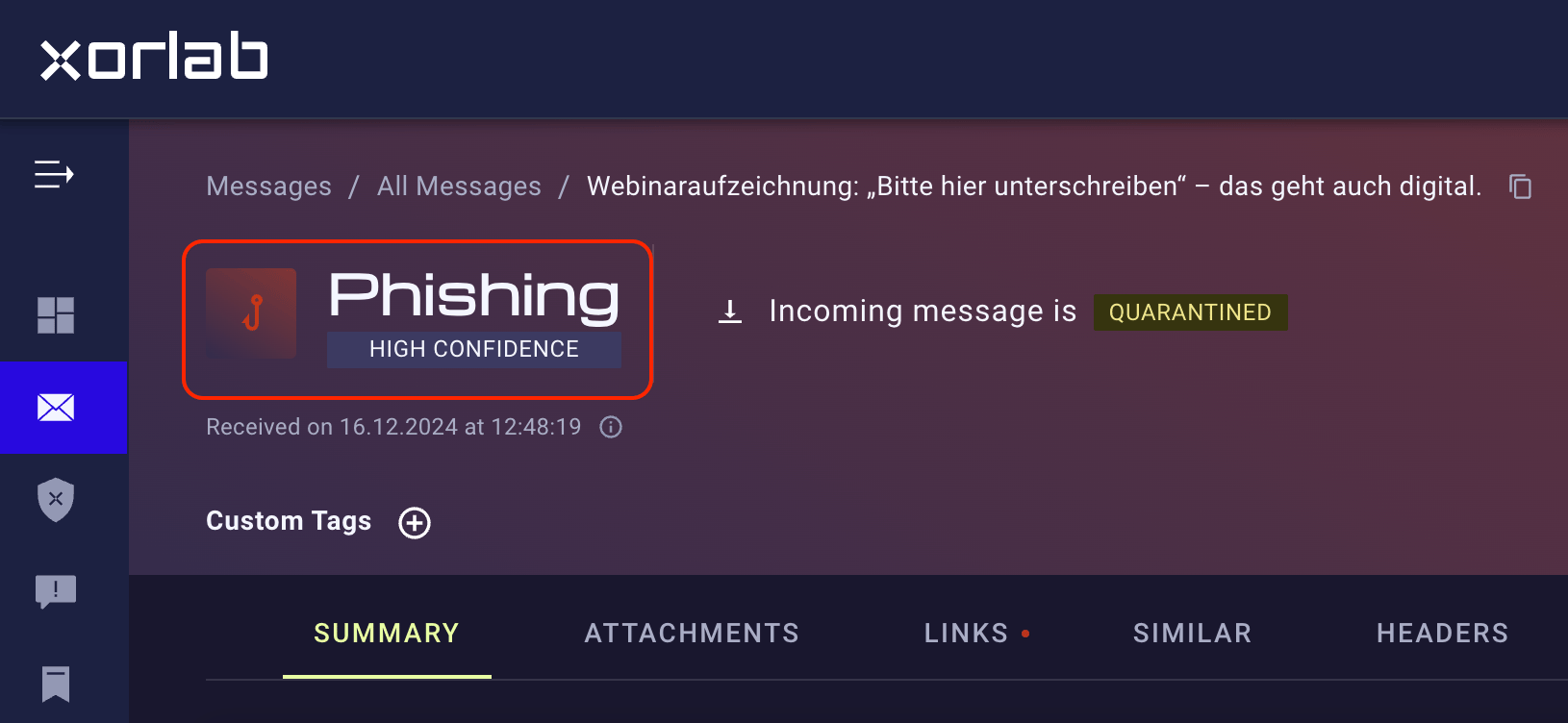
Actions
The standard actions of xorlab Security Platform, based on the verdict and confidence, are shown in the following table. Some verdicts do not have all confidence information available.
If no malicious verdict matches, the email will be delivered. The actions specified above are configured through the default profile as described in Profiles.
Quarantine notificationsBy default, quarantine notifications are disabled for all verdicts.