

-
In Expert Editor, open
shared/guarded_tenants.yml. -
Set
canRequestRelease: trueandcanRelease: falsefor every quarantine where you want to enable the request release. See List of Quarantines.The feature must be enabled separately for each quarantine. It only applies to quarantines where end-users do not already have release permissions. -
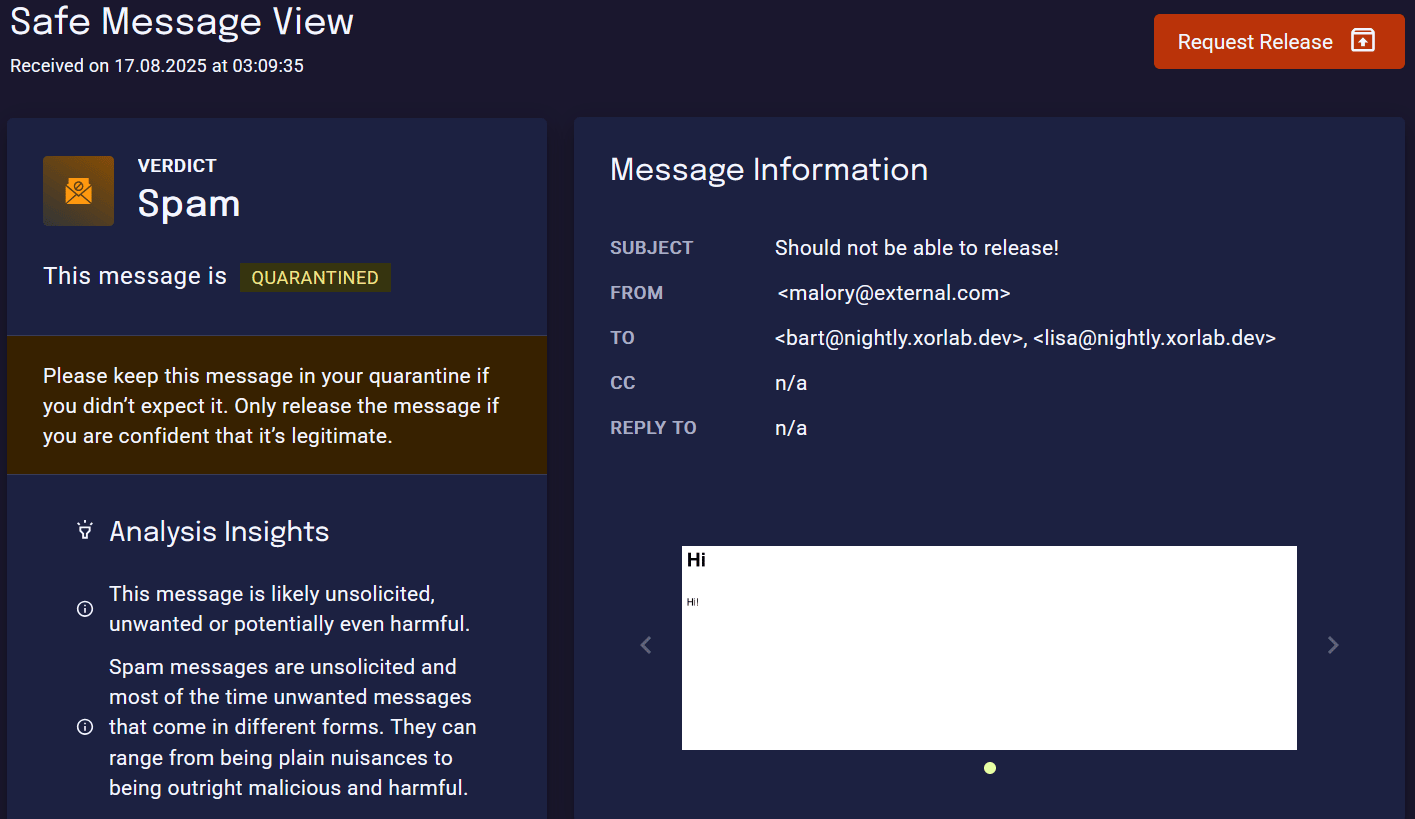
Click Publish. The new configuration becomes active within about one minute. The SSQ will then show a Request Release button for emails in the corresponding quarantines.
Enable request notifications
You can configure notifications to be triggered when specific release request events occur.audit.quarantine.release.request.created– A user has submitted a release requestaudit.quarantine.release.request.approved– An analyst has approved and released the emailaudit.quarantine.release.request.denied– An analyst has denied the release request
- For email notification, there is a working example in the XCC (Backend container) tab of Send an Email When an Event Occurs.
- To forward the events to your SIEM, see Forward Events over Syslog.