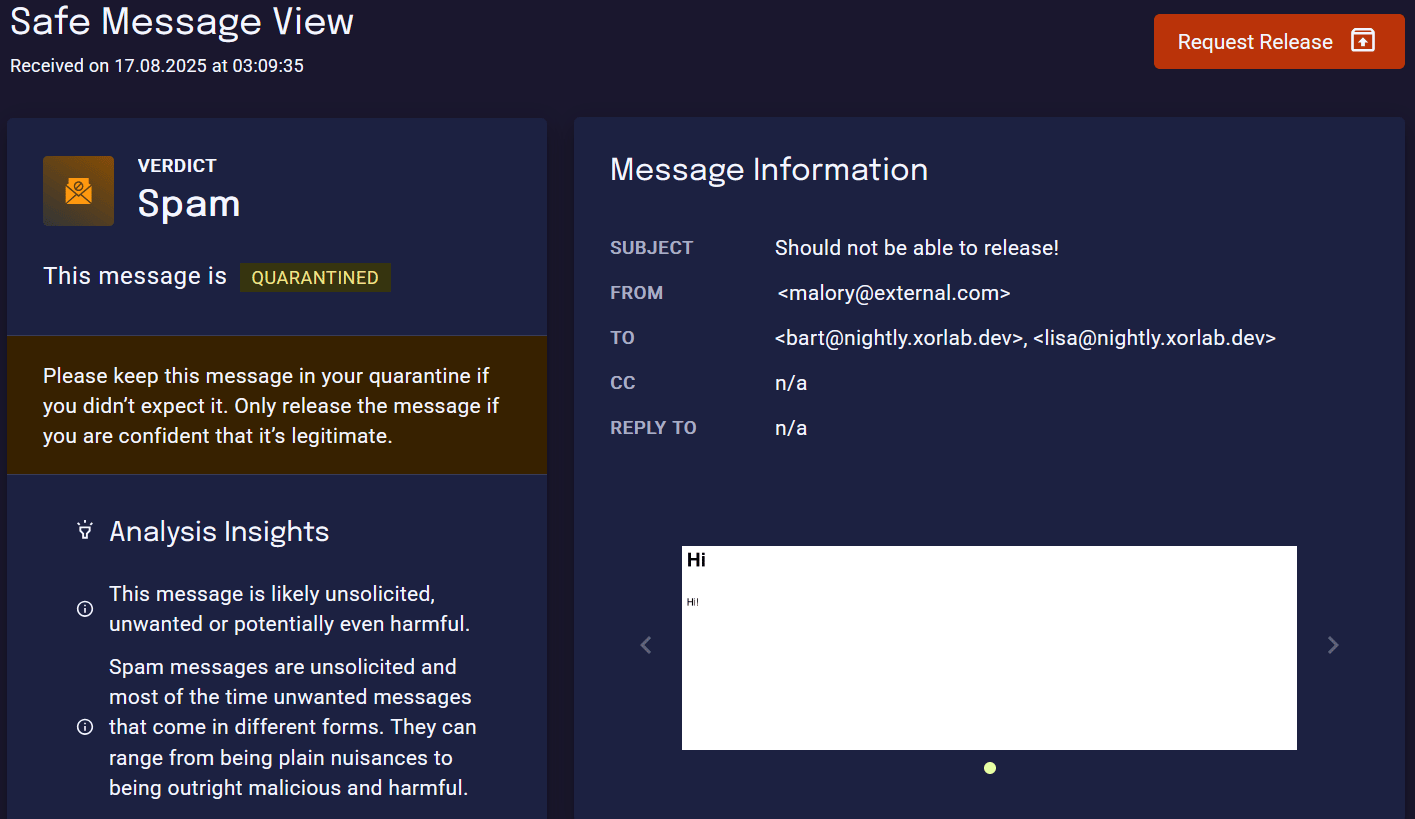
Review end-user requests to release quarantined emails, and decide whether to release or deny them.
If enabled, end-users can request the release of quarantined emails via the SSQ portal. This functionality can be enabled separately for each verdict, and works only for emails the user cannot release themselves.
The summarized workflow for an analyst looks like this:
You get notified about the newly requested release. There are a few different options:
Via email, triggered by each release request. This can be enabled by an admin user as described in Enable request notifications.
By manually searching for status:releaserequested.
By creating and using a saved search for status:releaserequested.
You analyze the email to see if it is not harmful. The page Understand an Email Verdict provides more details to understand why a certain verdict was set.
If it is benign, you release the email via the Release button.
If it is malicious, you deny the request via the Deny Release button.
Below you can find all status related to the release request feature, such that you can use them in the search:
Status
Description
RELEASE REQUESTED
An end-user requested the release for this email, but no action has been taken yet.
RELEASE APPROVED
An analyst approved the request. The email has been released.
RELEASE DENIED
An analyst denied the request. The email is still quarantined.
Saved SearchCreate a saved search for the status RELEASE REQUESTED to quickly access all pending requests.
Assistant
Responses are generated using AI and may contain mistakes.