

Less manual work
Reported email and quarantine releases resolve themselves. What is left is what automation could not decide.
Every verdict shows its reasoning
Indicators, sender relationship, authentication and file analysis on one screen, down to the individual detection rules. Read at a glance, or in depth.
You correct it yourself
Activate search queries as standing policies. No configuration file, no support ticket, reversible afterward.
Capabilities you may not have today
Search by what a message is about, group a whole wave from one email, pull delivered mail back out.
Less manual work
Parts of the platform can take work off your desk before you see it. Employee-reported email. Reports arrive as cases, each carrying xorlab’s own analysis of the message. Cases can be closed without you in two ways: by verdict, so anything the platform has already classified confidently is resolved automatically. Or by a campaign, so a pattern you have handled once is handled the same way every time after that. The employee who reported it gets feedback either way. See Handling the Abuse Mailbox. Quarantine release. End-users see their own quarantined email and release what they need themselves. For the quarantines you are not willing to hand over, they can only ask, and the request reaches you with the analysis already attached. See SSQ Overview and Handling Release Requests.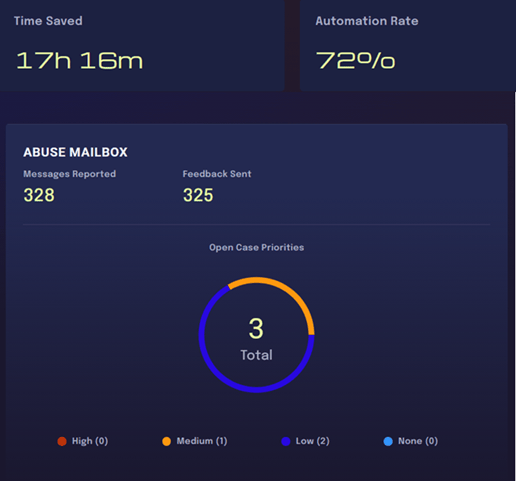
Every verdict shows its reasoning
Transparent reasoning, and all relevant information at a glance. Each message carries a verdict and a confidence, and the detail view shows what produced them: the relationship between sender and recipient, authentication results, the indicators that were found, the analysis of every attachment and link, and so on. From there you can go further and read the individual rules that contributed. See Understanding an Email Verdict. It is all one screen, and it is built to be read quickly.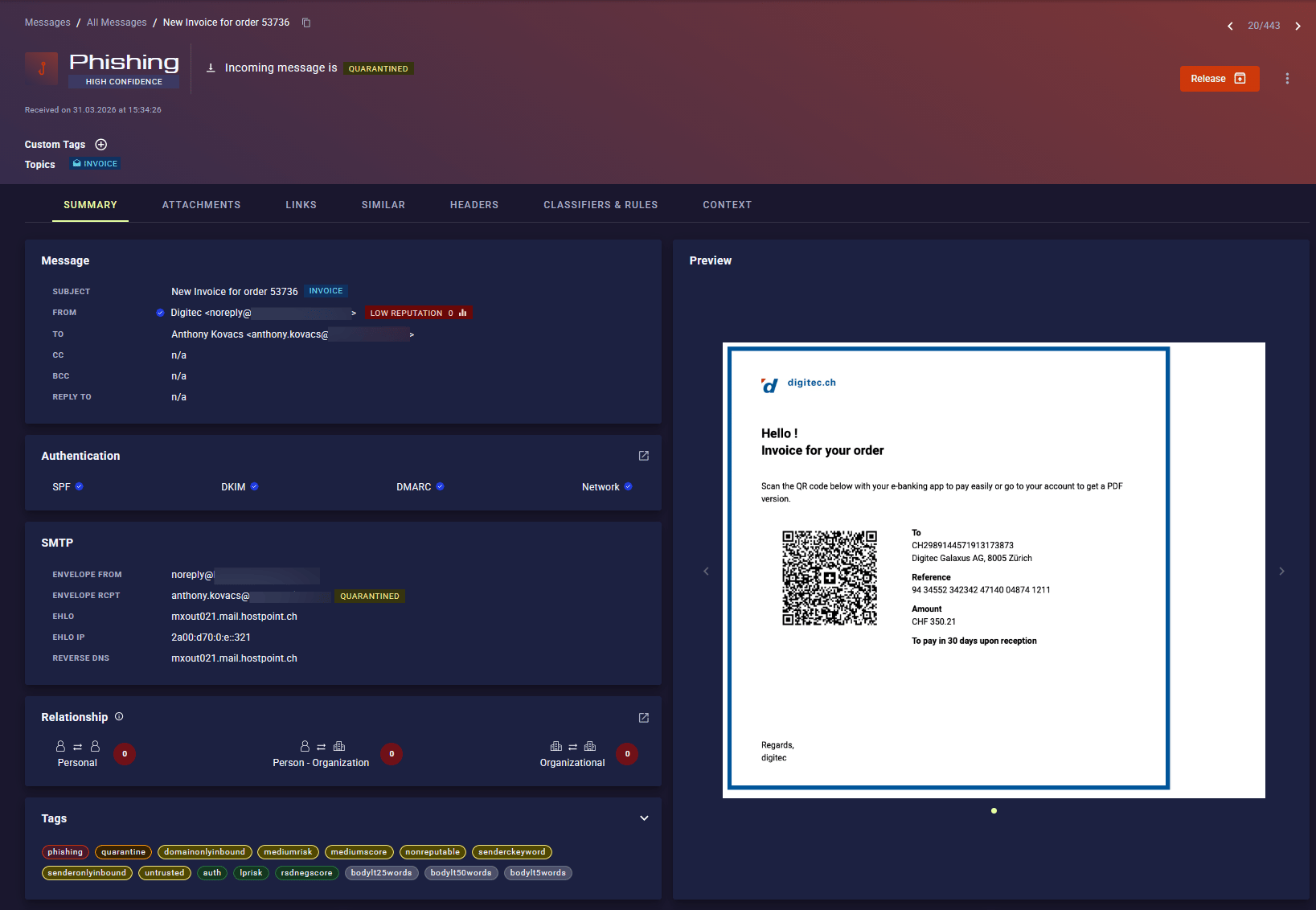
You correct it yourself
Fix false positives or false negatives in a sustainable way Any search query can be turned into a campaign: a standing policy that overrides the default decision for exactly the messages it matches, and leaves everything else alone. A campaign can quarantine, deliver, rewrite or classify a an email, and it stays visible and reversible afterward. See Using Campaigns.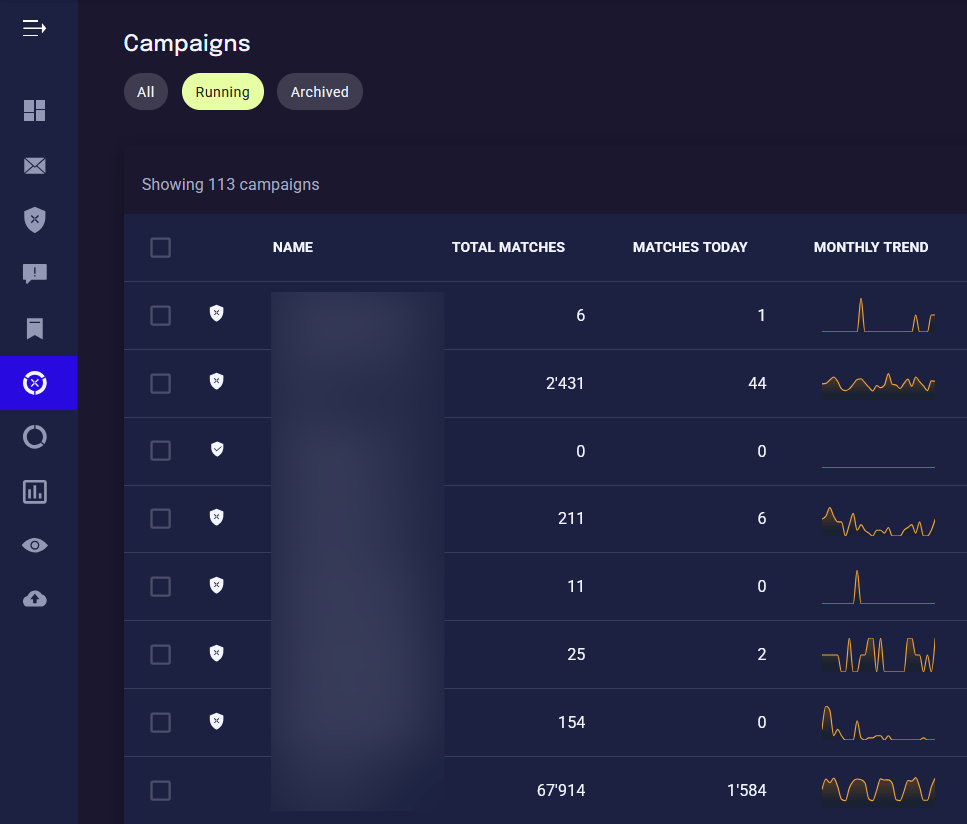
Capabilities you may not have today
Where to start
Quick Walkthrough
Fifteen minutes in the web interface: search for an email, build a campaign, run a similarity search, answer a report.
Evaluate xorlab
How a trial runs on your own traffic, and what you can measure the results against before anything is blocked.
Analyst Overview
The full analyst path: core concepts, the daily workflows, and the reference material behind them.
Video Tutorials
The same ground covered on screen, if you would rather watch than read.