

Available Templates
The table below lists the notification templates included with XSP. These templates are used in various scenarios, such as responding to reported emails, notifying users of quarantined messages, and providing campaign feedback.Example Emails
While all templates share the same structure, they differ in text and color depending on the type of notification. Below are a few examples:BENIGN
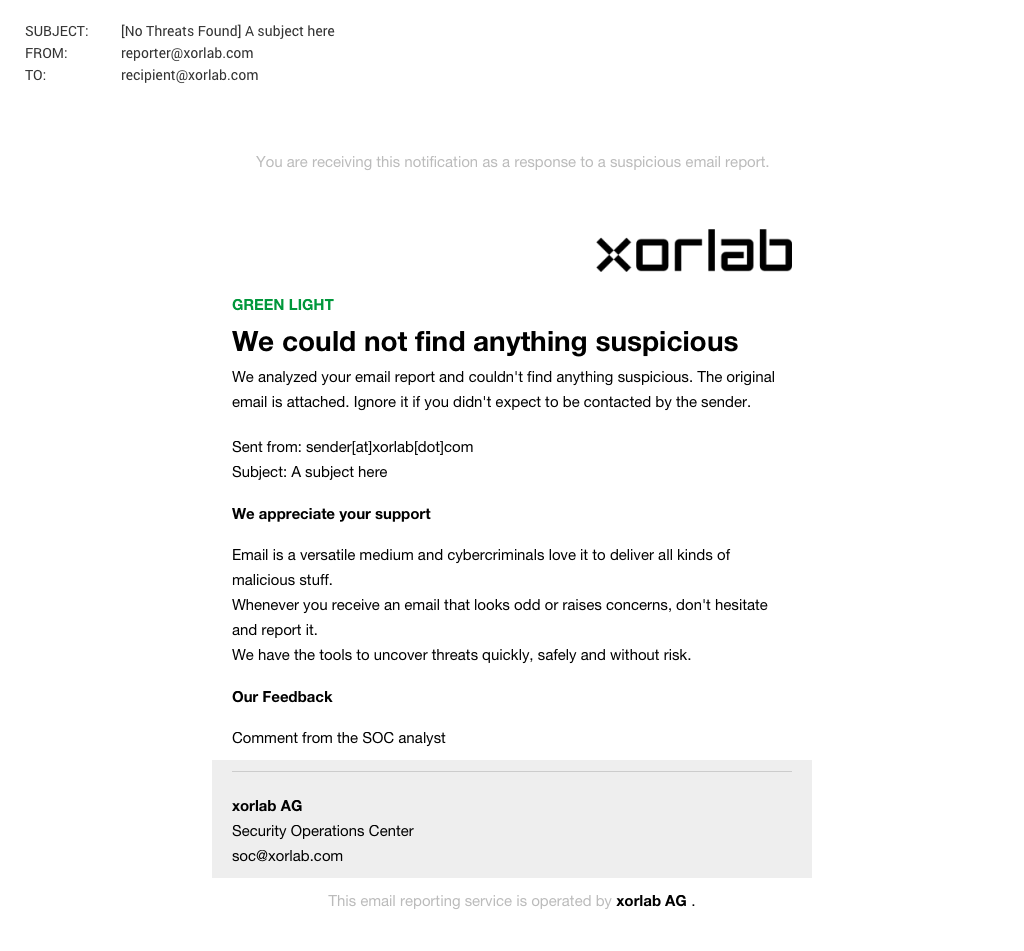
PHISHING
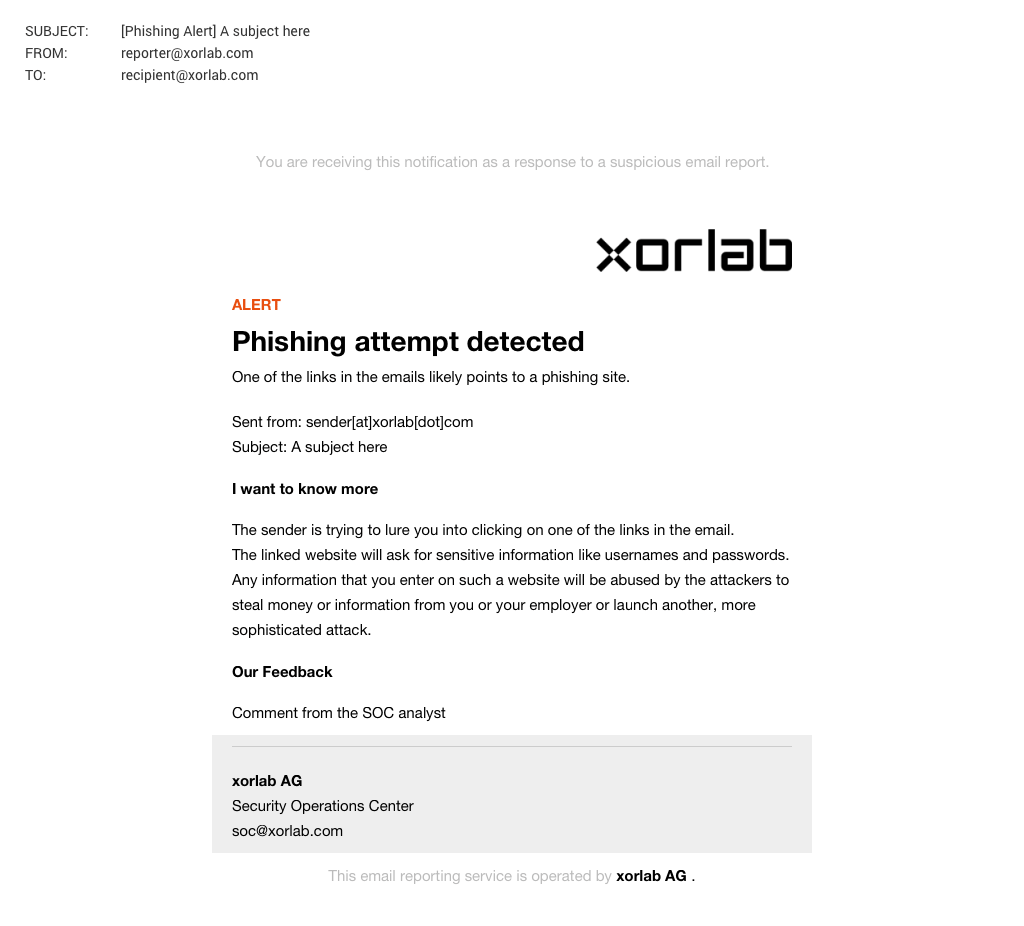
REPORT_NOTIFICATION_ACKNOWLEDGEMENT
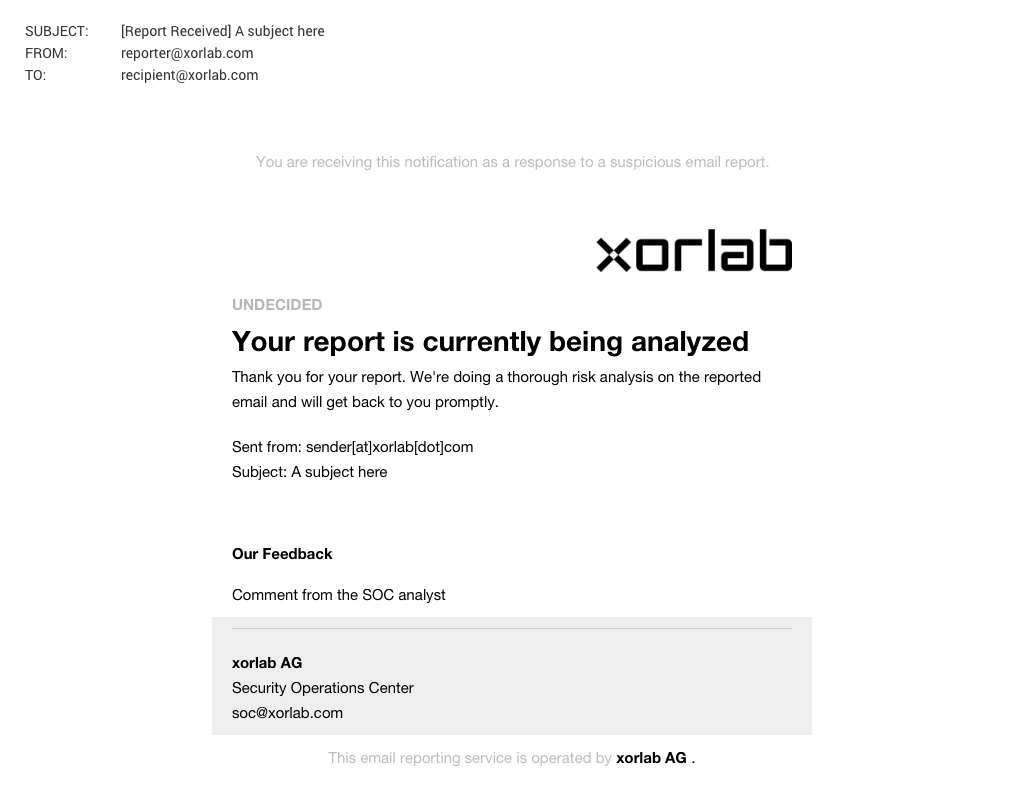
USER_QUARANTINE_DIGEST
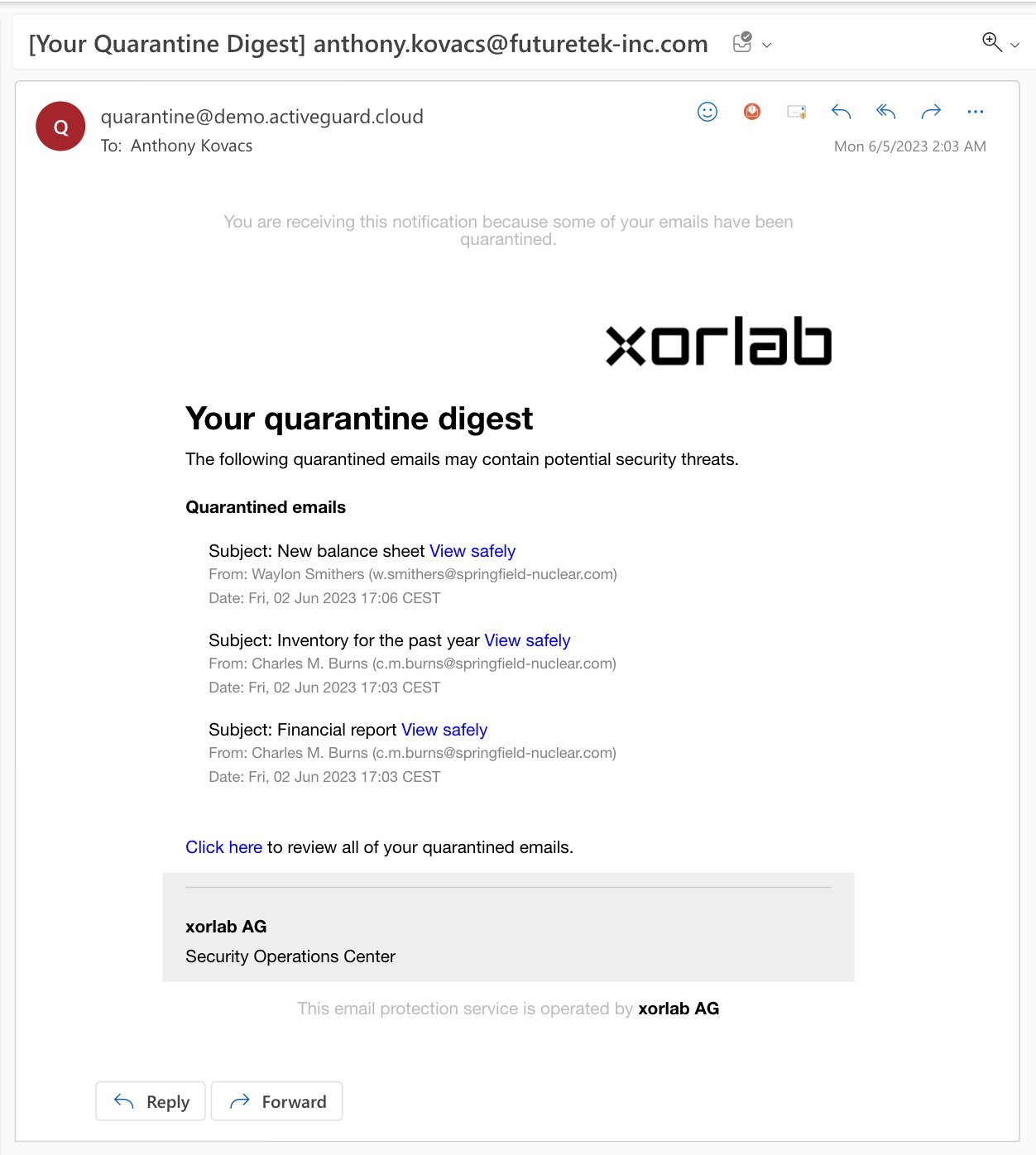
Directory structure
Email notification templates are stored in theshared/email_templates directory, accessible via the Expert Editor.
Folder Structure
Folder Descriptions
config– Defines the default language for notifications.locale– Contains localized strings for different languages.style– Stores organization details like name, contact email, and links.info– Controls visual elements such as colors, fonts, and logos.- Template files – Each template (e.g.,
BEC.yml,PHISHING.yml) contains its configuration.
Multi-Tenancy Support
If your organization uses multiple tenants, you can customize templates per tenant. Tenant-specific customizations are controlled by theemailTemplateStyle attribute. By default, templates apply as default to all tenants, but you can introduce unique identifiers to manage styles, localization, and branding for other tenants.