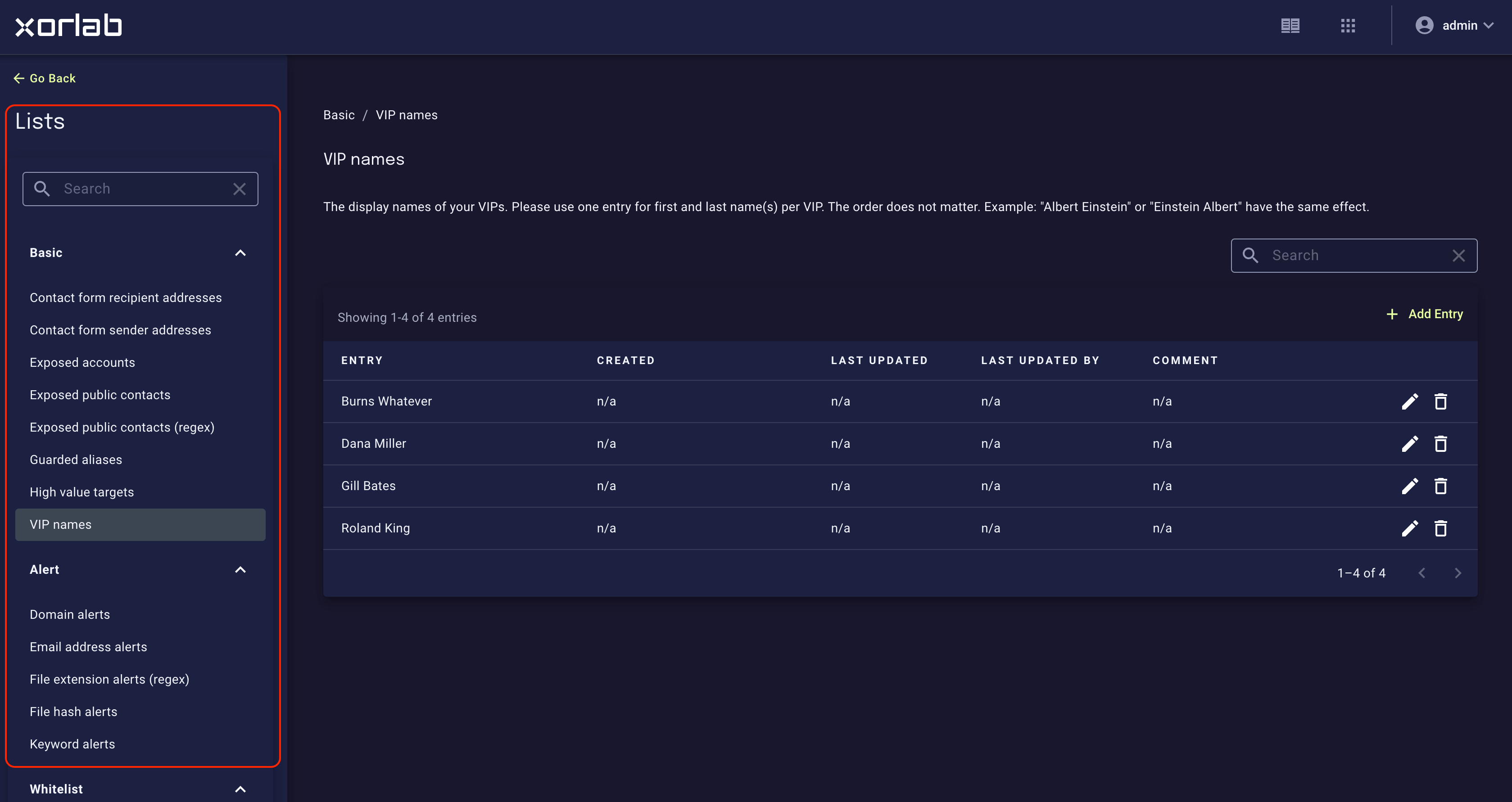
xorlab Security Platform provides many different built-in lists that allow you to adjust the behavior of the platform on-the-fly. The lists can be accessed in XCC:
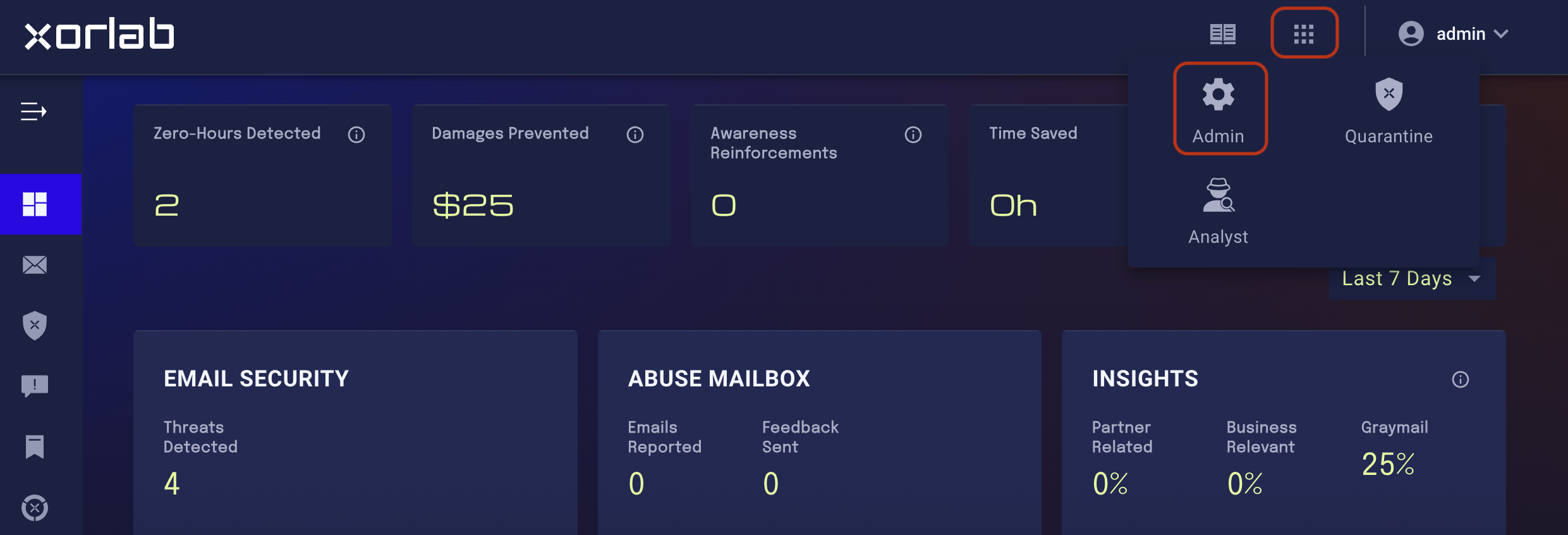
  1. On the main screen, click the tiles icon next to your account name and click the Admin icon in the displayed menu: Selecting the Admin panel
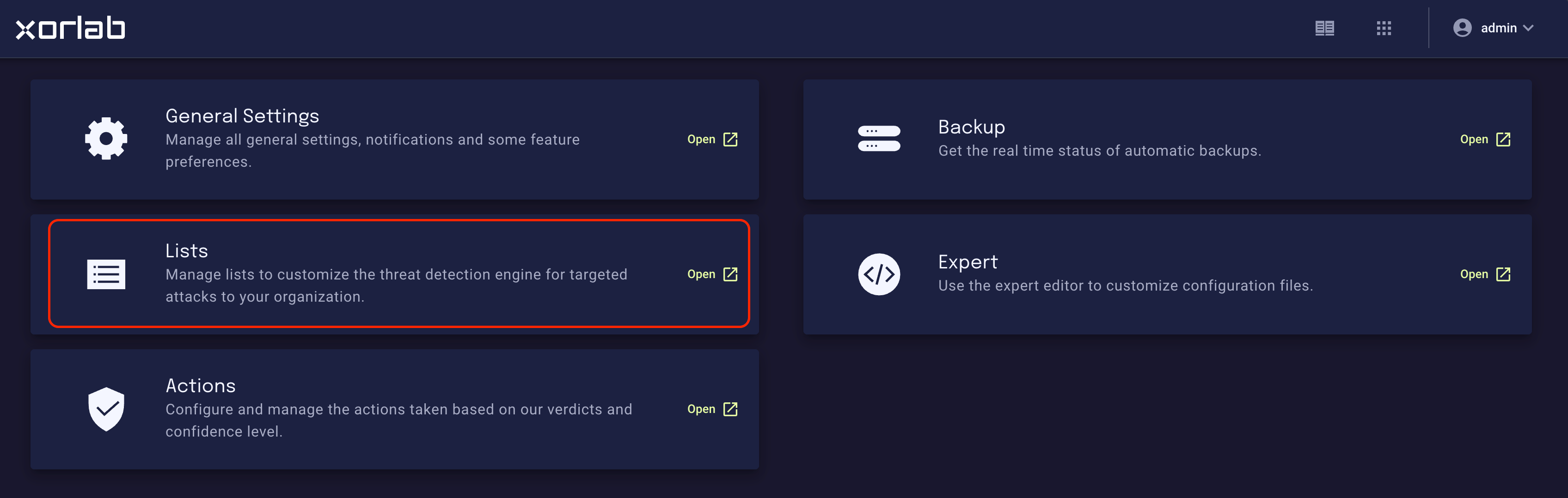
  2. On the resulting Admin page, click the Lists tile: Selecting Lists
Lists include Blacklists and Whitelists, but also more sophisticated lists like Trusted Senders and Infrastructure to manually overwrite trust scores, or the Phishing Simulation Tools to define which emails are treated as phishing simulations. Built-in lists
Custom listsIt is possible to add additional lists to this overview that can then be used in custom rules for specific use cases. Contact support@xorlab.com for detailed instructions.